

How to Create a QR Code for Your Website
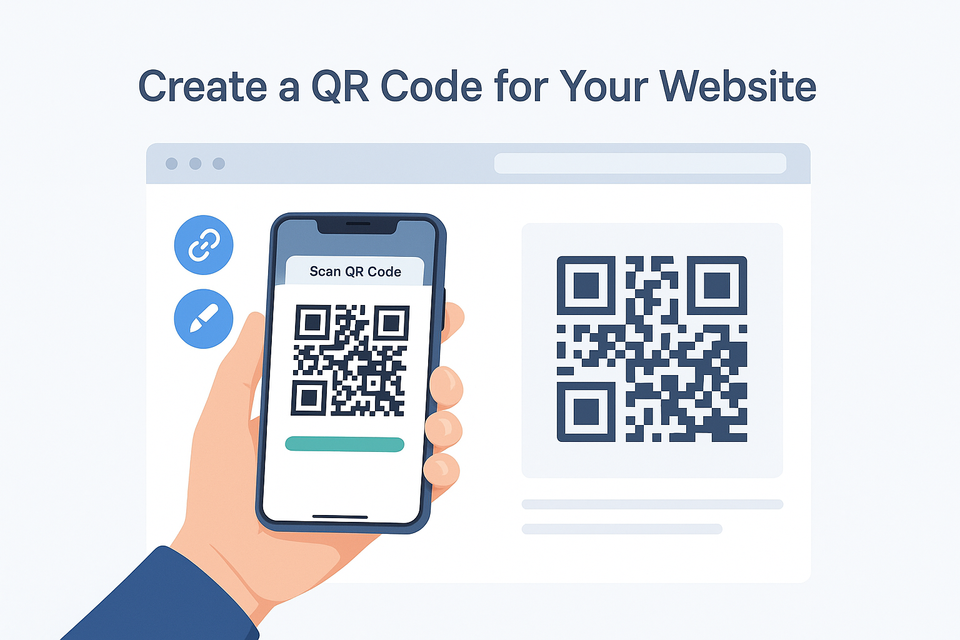
QR codes make it easier than ever for people to visit your website instantly.
Instead of typing your URL, users can simply scan your code using their phone’s camera and be taken directly to your page.
Whether you’re running a business, managing an online store, or promoting a personal project, creating a QR code for your website helps you connect your audience from the offline world to your digital presence — quickly and effortlessly.
Here’s everything you need to know to create one in seconds using our free generator.
What Is a Website QR Code
A website QR code is a scannable image that links directly to your web address.
When someone scans it, their device automatically opens your website — no manual input required.
QR codes are widely used on:
- Flyers, posters, and business cards
- Product packaging and labels
- Menus, brochures, and displays
- Digital advertisements
They bridge the gap between print and digital marketing, making your website more accessible wherever your audience is.
Why Create a QR Code for Your Website
Adding a QR code to your marketing materials offers clear advantages:
- Instant access: Users can open your website immediately.
- Better engagement: Converts offline interest into online traffic.
- Professional image: Adds a clean, tech-forward touch to your materials.
- Data insights: Dynamic QR codes allow tracking and editing anytime.
- Versatile usage: Works across all devices and platforms.
If you want more people to visit your website, a QR code is one of the simplest and most effective tools you can use.
How to Create a QR Code for Your Website
Follow these easy steps to make your QR code in less than a minute:
Step 1 — Enter Your Website URL
Go to the generator above and type (or paste) your website address into the input box.
Example: https://yourwebsite.com
Step 2 — Customize the Design
You can personalize your QR code by changing its color, style, and shape, or by adding your logo to match your brand identity.
Step 3 — Generate the QR Code
Click Generate to instantly create your QR code. You’ll see it appear on the page within seconds.
Step 4 — Sign Up or Log In to Download
Before downloading, you’ll need to sign up or log in.
This allows you to download your code, manage it later, and unlock dynamic QR code features.
Static vs. Dynamic QR Codes
When creating a QR code, you can choose between static and dynamic types depending on your needs.
Static QR Codes
- The link is fixed and cannot be changed after creation.
- Best for permanent pages like homepages or portfolios.
Dynamic QR Codes
- The destination URL can be updated anytime, even after printing.
- Allows you to track scans and view detailed analytics.
- Ideal for marketing campaigns, time-limited offers, or seasonal promotions.
If you want flexibility and tracking, choose a dynamic QR code.
If your link will never change, a static one is perfect.
How to Use Your Website QR Code
Once you’ve created your QR code, you can place it anywhere your audience can see it:
- On business cards to share your website instantly.
- On flyers or posters for events and promotions.
- On product packaging to guide customers to tutorials or reviews.
- On restaurant menus for digital browsing or orders.
- On storefronts or signage so visitors can find you even when you’re closed.
Every scan represents a new visitor — and a new opportunity to grow your traffic.
Tips for Best Results
To make sure your QR code performs perfectly:
- Use high contrast between your QR code and background.
- Leave enough white space around it.
- Add a short call-to-action, such as “Scan to Visit Our Website.”
- Test your code on multiple devices before printing.
- Use high-quality files (PNG or SVG) for print materials.
Do QR Codes Help SEO?
While QR codes don’t directly impact search engine rankings, they help drive real, organic traffic — which improves engagement metrics that search engines value.
Every scan that brings someone to your site increases visibility, interaction, and potential conversions.
In other words, QR codes help more people discover and interact with your website.
Create Your QR Code Now
It takes just a few seconds to create your website QR code.
Enter your URL above, choose your preferred style, and generate your QR code instantly.
Then, sign up or log in to download and manage your codes.
Whether you need a simple static QR code or a dynamic version with analytics, Generate QR Code makes it fast, free, and reliable.
Start now — and make your website accessible to anyone, anywhere, with a single scan.
About Generate QR Code
Generate QR Code is a free online QR code generator that lets you create both static and dynamic QR codes for websites, businesses, and marketing campaigns.
We make it simple to customize, track, and share QR codes — helping you connect your audience to your online world instantly.
Would you like me to make a shorter homepage version of this article (around 400–500 words) to use as a landing section or blog preview for your main domain?